IPTV trials are common because the market features providers making exaggerated claims, and consumers are increasingly skeptical due to past issues. A trial period cuts through all that. Instead of reading marketing copy and hoping for the best, you get to find out for yourself — on your own devices, watching the channels you actually care about, at the times you actually watch. This guide walks through what to look for, what to test, and what the red flags are. It’s based on real experience evaluating multiple IPTV services, not a summary of someone else’s bullet points.
What IPTV Actually Is (And How It Differs from Streaming Apps)
IPTV stands for Internet Protocol Television. Rather than receiving channels through a satellite dish or cable box, you receive them over your internet connection — the same pipe that carries your Netflix and YouTube traffic.
The key difference from standard streaming services is live TV. IPTV providers typically offer hundreds or thousands of live channels alongside on-demand libraries. Sports broadcasts, news channels, regional content, international packages — it’s a lot closer to a traditional cable subscription than to Netflix, except delivered entirely through the internet.
This also means quality is heavily dependent on two things: your internet connection speed, and the provider’s server infrastructure. A service that looks flawless in a demo video can perform very differently on your specific network at 9pm on a Saturday when everyone in your building is also streaming.
That’s exactly why testing before buying matters more here than with most digital services.
What a Legitimate IPTV Trial Should Include
Not all trials are created equal. Some providers offer what they call a “free trial” but restrict access so heavily it’s essentially useless for evaluation. Here’s what a proper trial should give you:
Full channel access. The trial should mirror a paid subscription exactly. If sports packages or premium movie channels are locked during the trial, you can’t accurately assess what you’re buying.
The same server quality as paying customers. Some providers route trial users to lower-priority servers. This is worth testing — if the service degrades significantly after you pay and join the main pool, that’s a problem. Look for forums or reviews where paying customers discuss their experience.
At least 24 hours of access. Six hours is technically enough to test basics. Twenty-four hours lets you check performance across multiple time slots, which is the real test.
No automatic billing. A legitimate trial expires cleanly. If a provider requires your payment details upfront for a “free” trial, make sure the cancellation process is genuinely simple. Some are not.
What to Actually Test During Your Trial
Most people activate a trial and just watch whatever they feel like. That’s fine for entertainment, but it doesn’t tell you much about whether the service is worth paying for month after month. Here’s a more useful approach.
Stream Quality at Different Times
This is the most important test and the one most people skip. Streaming quality during off-peak hours — say, 2pm on a Tuesday — tells you almost nothing. Test during peak times: evenings, weekends, major sporting events if possible. That’s when server load is highest and where weaker providers start to show cracks.
Watch for freeze frames, sudden resolution drops, and audio sync issues. A single buffering event isn’t necessarily a problem. Consistent interruptions during normal viewing hours are.
Channel Availability
Scroll through the channel list and specifically check the channels you’d actually watch regularly. Don’t assume that because a provider lists 5,000 channels, the channels you want are working properly. Some providers have impressive-sounding channel counts but a significant percentage are dead streams or channels from regions you’ll never use.
If you watch sports, test the sports channels during a live match rather than during off-hours. A sports channel that loads fine at 11am might struggle under load during a live Premier League game.
Device Compatibility
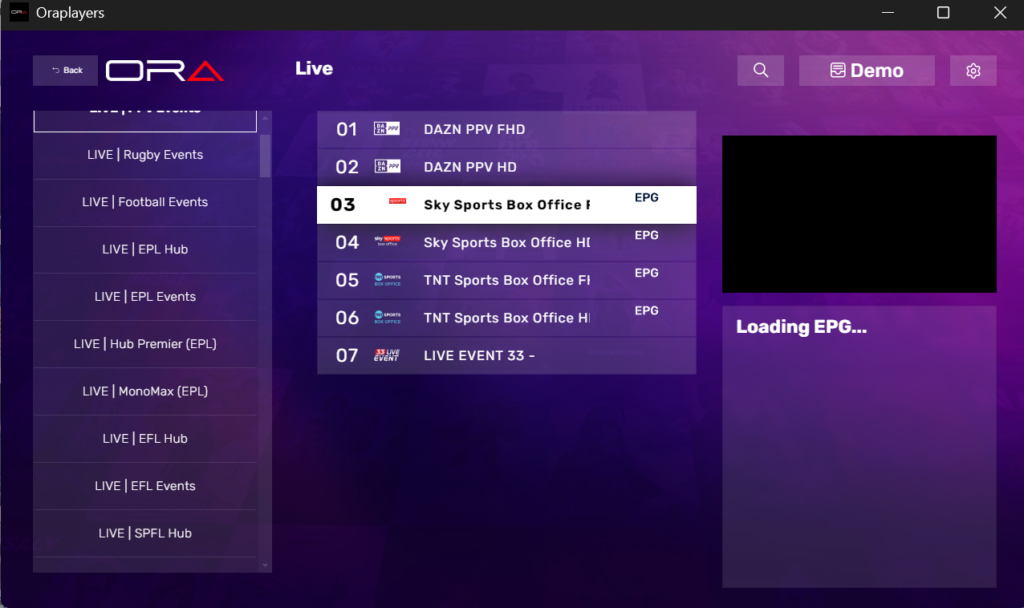
Test on every device you intend to use. An IPTV service that works perfectly on your phone might have a clunky interface on your smart TV, or vice versa. The experience varies more than you’d expect between devices and apps.
Common apps used with IPTV include TiviMate, IPTV Smarters Pro, and GSE Smart IPTV. Most providers supply an M3U link or Xtream Codes credentials that work across all of these. If a provider only supports their own proprietary app with no alternatives, that’s worth noting — proprietary apps tend to receive slower updates and less community support.
The Electronic Programme Guide (EPG)
The EPG is the programme schedule that appears when you browse channels — the equivalent of a TV guide. A good EPG updates in real time and shows accurate scheduling. A bad one shows wrong programme names, blank slots, or doesn’t load at all.
This matters more than people realise. Browsing without an EPG is genuinely frustrating for regular use. Test that it loads quickly and that the scheduling information is accurate for channels you can verify against another source.
Customer Support Response Time
Send a question to support during the trial — something genuine and simple, like asking about a specific feature or device. The response time and quality tells you a lot about what post-purchase support will look like. A provider who takes 48 hours to reply to a simple pre-sales question during a trial is not going to be faster when you have a real problem.
What Most Trial Reviews Don’t Mention
Here are a few things that rarely make it into standard “how to choose IPTV” articles.
Buffer settings affect your experience more than you think. If you experience freezing on otherwise stable streams, the issue is often the buffer size in your app, not the provider’s server. TiviMate, for example, lets you adjust the buffer size in settings. Increasing it smooths out minor packet loss. Before blaming a provider for poor performance, check your app’s buffer configuration.
Peak-time degradation is provider-specific. Some providers invest heavily in server infrastructure and handle peak loads well. Others are fine during quiet periods but fall apart on Saturday evenings. The only way to know which category your trial provider falls into is to test at peak times. Most reviews don’t do this.
The app matters as much as the service. Two providers with identical back-end infrastructure can deliver very different user experiences based purely on the app. If a provider’s dedicated app is clunky, you can usually substitute TiviMate or IPTV Smarters using the M3U link. Ask about M3U compatibility before committing.
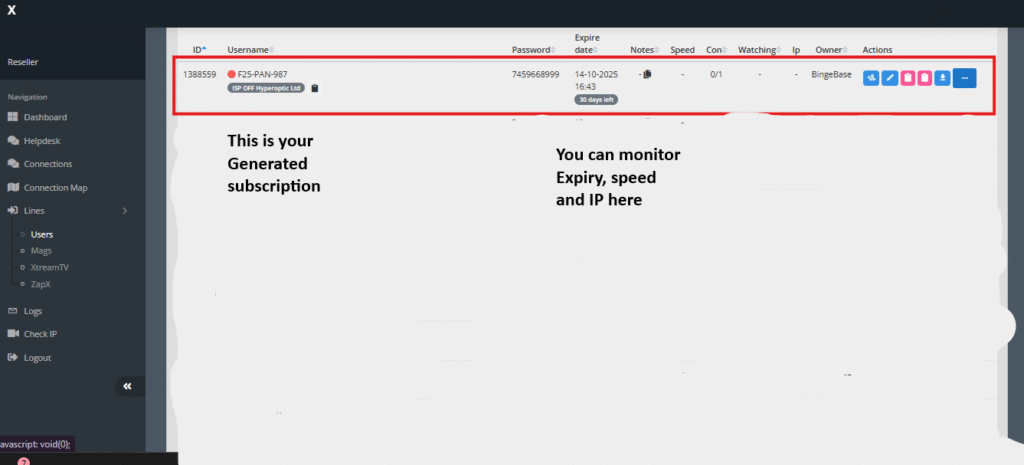
Simultaneous connections are often limited. Most providers allow 1–2 simultaneous streams on a subscription. If you intend to watch on multiple TVs in your home at the same time, confirm the connection limit before buying. Some providers charge extra for additional streams, others don’t offer it at all.
Red Flags to Watch For
Some warning signs are obvious, others less so.
Pricing that seems impossible. Lifetime subscriptions for $10, or full packages for $2/month. Legitimate providers have real infrastructure costs. Pricing that ignores those costs almost always means either stolen content, servers that will disappear in three months, or both.
No working support channel. If you can’t find a way to contact someone before you pay, assume you won’t be able to after either.
Crypto-only payments. This doesn’t automatically mean a provider is bad, but it does mean you have essentially no recourse if the service disappears. Providers who accept PayPal or credit cards are exposing themselves to chargebacks, which means they have an incentive to actually deliver what they promise.
Trial with no real evaluation window. A one-hour trial is a marketing exercise, not a genuine evaluation opportunity. Any provider confident in their service should offer at least 24 hours.
No clear terms on auto-renewal. If the trial converts to a paid subscription automatically and the cancellation process is buried, that’s not an accident.
How to Decide After the Trial Ends
Once your trial period closes, you’ll essentially have three directions to go.
Subscribe immediately if the service consistently met your expectations across all your devices and across different times of day. Don’t overthink it — if it worked well for the duration of the trial, it’ll likely continue to work well.
Try another provider if something felt off but you’re not sure if it’s the service or your setup. Testing two or three services back to back gives you a much clearer frame of reference than evaluating one in isolation.
Wait for a promotional offer if you liked the service but found the pricing slightly steep. Many providers offer discounts to trial users who didn’t immediately convert — sometimes as a follow-up message, sometimes through seasonal promotions. There’s no harm in waiting a few weeks if you’re not in a rush.
Legal Considerations Worth Understanding
The IPTV market exists on a spectrum. At one end, fully licensed services that have paid for broadcast rights. At the other, services redistributing content without any authorisation. Most of what’s aggressively marketed as “cut the cord” IPTV falls somewhere in the murky middle or far end of that spectrum.
This isn’t a lecture — it’s practical information. Services operating without proper licensing are inherently unstable. Channels get pulled, servers get shut down, whole services disappear overnight. If you pay six months upfront for a service that goes dark in month two, your options are limited.
Legitimate providers charge sustainable prices, operate with transparent terms, and have business models that make sense. That’s the filter worth applying.
FAQ
How long should an IPTV trial be to properly evaluate a service? Twenty-four hours is the minimum that gives you a realistic picture. Six hours is enough for basic quality checks but doesn’t let you test peak-time performance. If a provider only offers a few hours, treat that as a limitation rather than a feature.
Do I need to give my payment details for a free trial? Not always. Many legitimate providers offer no-credit-card trials, particularly through resellers. If payment details are required, make sure you understand exactly when and how billing would start, and that cancellation is genuinely straightforward.
What app should I use to test an IPTV service? TiviMate is the most commonly recommended option for Android devices and Android TV. IPTV Smarters Pro is a solid alternative. Both accept M3U links and Xtream Codes credentials. Using a third-party app often gives you a better experience than a provider’s own app.
Why does an IPTV service work fine in the morning but buffer at night? Server load. Peak viewing hours — evenings, weekends — put much higher demand on provider servers. Services with under-provisioned infrastructure handle this poorly. It’s one of the clearest quality differentiators between providers, which is why testing at peak times is essential.
Can I test IPTV on multiple devices during a trial? Yes, and you should. Most providers allow this during a trial. Note the number of simultaneous connections permitted — this will apply to your paid subscription too.
What does it mean if channels are listed but don’t play? Dead streams. Some providers inflate their channel counts but a portion of those channels are non-functional. During your trial, specifically test any channels that are important to you rather than assuming they work because they appear in the list.
Is it worth trying multiple providers before committing? For most people, yes. Running two or three trials back to back — rather than sequentially over several weeks — makes the quality differences much more obvious and leads to a better decision.